Google Calendar
About
Calendar Apps
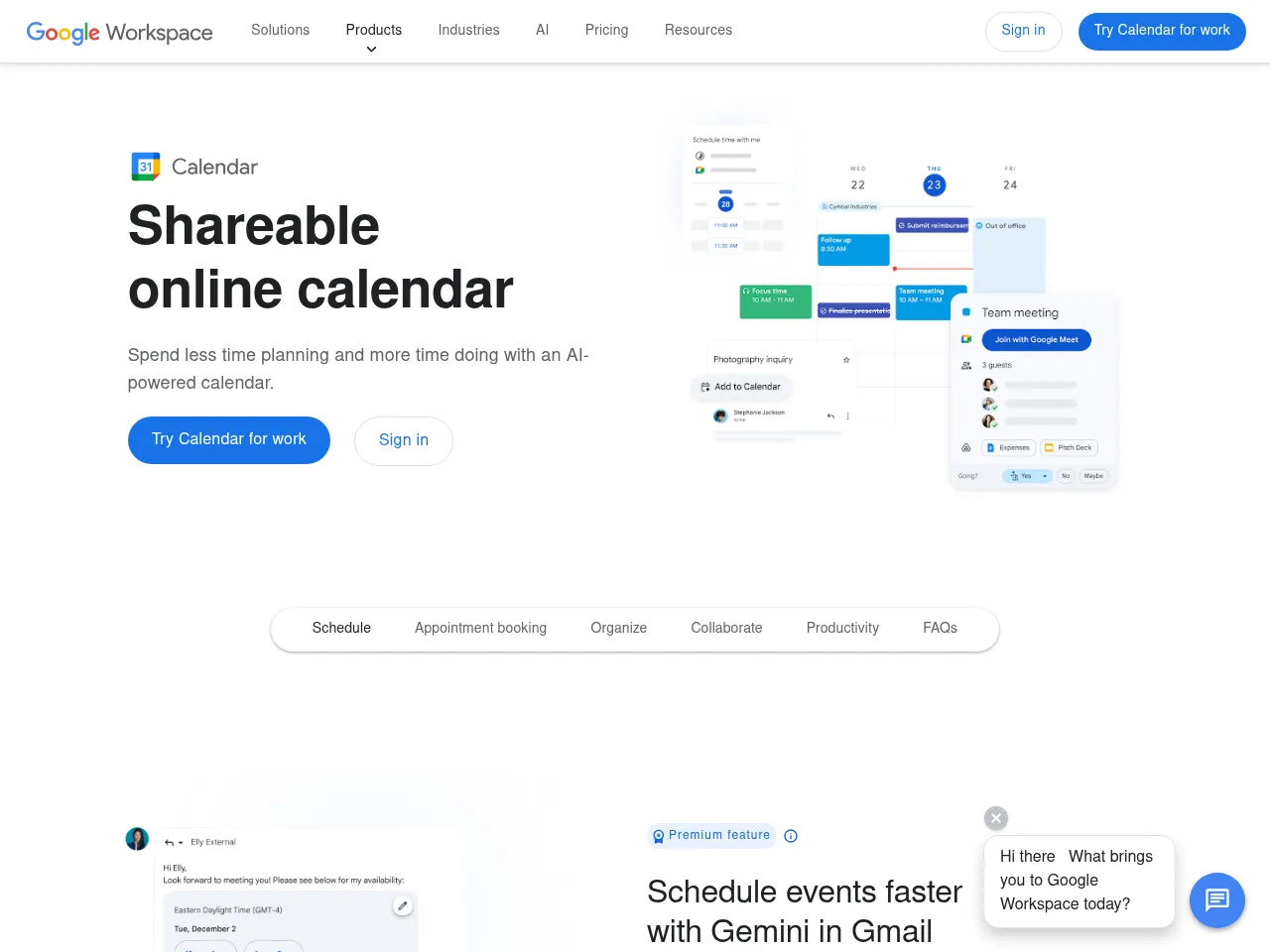
Google Calendar provides intuitive scheduling with smart event suggestions, Gmail integration, shared calendars, Focus Time blocks, and seamless sync across Google Workspace and third-party apps.
App Details
Google Calendar is the workhorse calendar app that most people rely on daily, and its strengths are in reliability and ecosystem integration rather than flashy features. Automatic event creation from Gmail -- extracting flight bookings, restaurant reservations, and appointment confirmations -- is a killer feature that saves real time. The clean interface across day, week, month, and schedule views is intuitive, and shared calendars make team coordination straightforward. Goals that automatically find free time in your schedule show thoughtful design. The API and CalDAV support ensure broad compatibility with third-party apps. With 5 billion downloads, the network effect alone makes it the default choice for scheduling. Where Google Calendar falls short compared to premium alternatives like Fantastical is in natural language input and visual polish -- event creation requires more taps than it should. Focus Time and scheduling suggestions are useful but feel underdeveloped. The free pricing and deep Google ecosystem integration make it the practical choice for most users, even if more elegant options exist.
 Powered by Rexiew