Visual Studio Code
About
Coding Apps
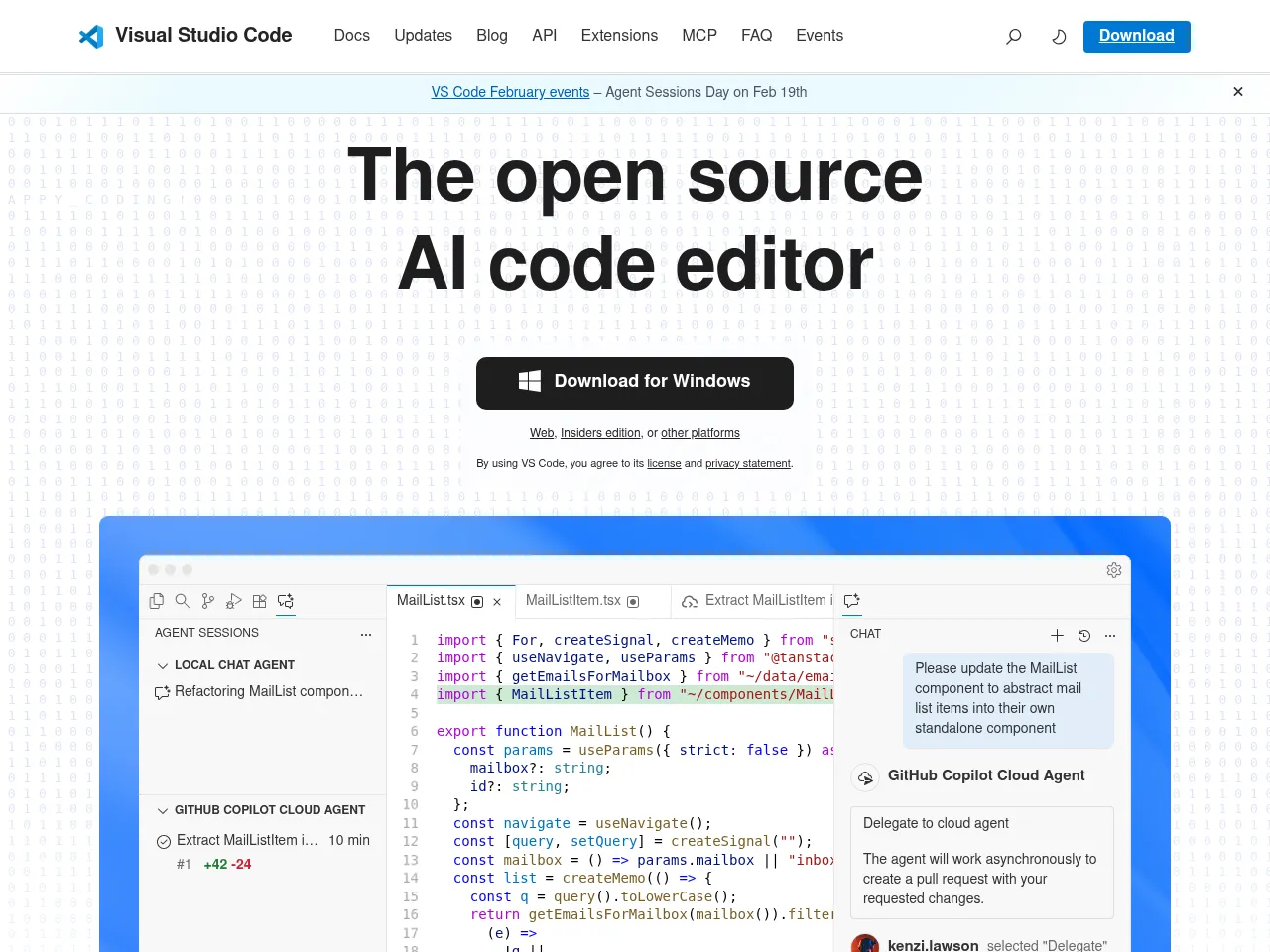
VS Code is the most popular code editor with IntelliSense, 40,000+ extensions, built-in Git, GitHub Copilot AI, remote development, and debugging for virtually every programming language.
App Details
Visual Studio Code has become the dominant code editor not through inertia but through genuine excellence. The combination of speed, extensibility, and features creates an editing experience that satisfies beginners and power users alike. IntelliSense provides intelligent completions across virtually every language, the integrated terminal eliminates context switching, and built-in Git support streamlines version control. The extension marketplace with 40,000+ extensions means VS Code can be customized for any development workflow. Remote Development capabilities -- coding in containers, WSL, or via SSH -- are transformative for modern development workflows. GitHub Copilot integration makes VS Code one of the most capable AI-assisted coding environments available, with inline suggestions and chat-based programming assistance that genuinely accelerates development. Multi-cursor editing, snippets, and customizable keybindings provide efficiency for daily coding. The Electron foundation means resource usage is higher than native editors like Vim or Sublime Text, which matters on constrained machines. For complex AI assistant tasks beyond code, dedicated tools offer more breadth. But as a code editor with AI capabilities, VS Code is the definitive choice for the majority of developers.
 Powered by Rexiew