About

CamScanner is a leading mobile document scanning application that turns smartphones into portable scanners, used by over 750 million users in more than 200 countries. Originally launched in 2011 by INTSIG Information Co., Ltd., CamScanner uses advanced image processing algorithms to automatically detect document edges, correct perspective distortion, and enhance readability. The app supports scanning documents, receipts, whiteboards, business cards, and any printed or handwritten text. Scanned documents can be exported as PDFs or JPEGs with adjustable quality settings. OCR (Optical Character Recognition) technology extracts text from scanned documents in over 60 languages, making it searchable and editable. Collaboration features allow sharing scanned documents via links, email, or cloud storage services. The app integrates with Google Drive, Dropbox, OneDrive, and other cloud platforms. Advanced features include document signing, annotation tools, watermark removal, PDF merging and splitting, and secure document sharing with passwords and expiration dates. CamScanner also offers batch scanning for processing multiple pages efficiently.

Scanner Apps

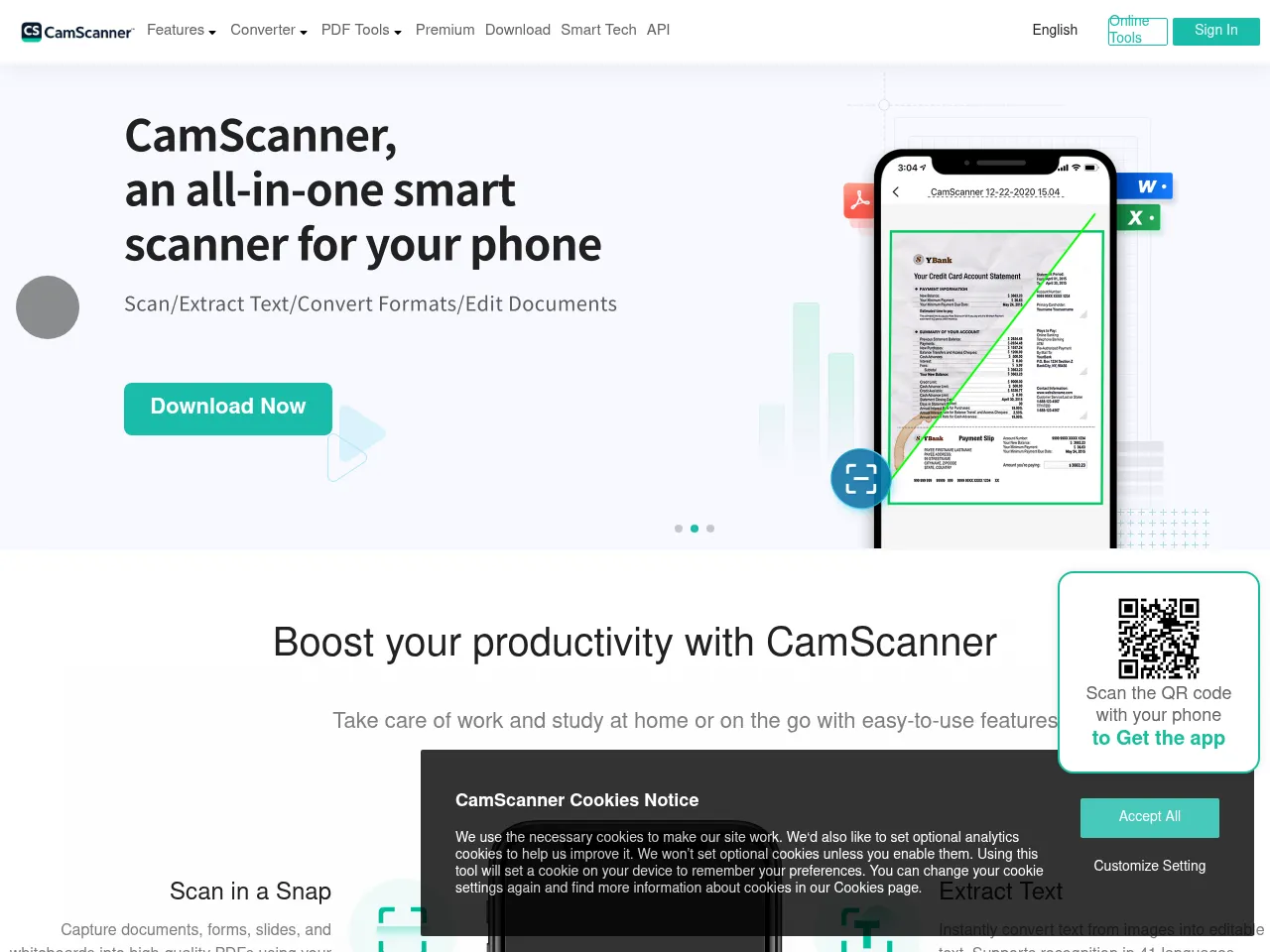
CamScanner turns phones into document scanners with auto-edge detection, perspective correction, OCR in 60+ languages, PDF export, annotation tools, and cloud storage integration.

App Details

Platform iOS, Android
Developer INTSIG Information Co., Ltd.
Pricing freemium
Downloads 500M+
iOS Rating 4.7/5.0
Android Rating 4.5/5.0
Free Plan Yes
API Available No
Offline Mode Yes
Headquarters Shanghai, China
Founded 2011
App Store iOS Download
Google Play Android Download
4.0
1 reviews
Functionality
4.4
Performance
4.1
User Interface
4
Value for Money
3.8
Claude Opus 4.6
AI Review
4.0/5

CamScanner pioneered the mobile document scanning category and remains one of the most feature-rich options available, with over 750 million users globally. The automatic edge detection and perspective correction work reliably well, producing clean, readable scans from smartphone cameras. OCR support across 60+ languages is genuinely impressive and makes scanned documents searchable and editable. The feature set is extensive -- batch scanning, PDF merging and splitting, annotation tools, and document signing cover most office productivity needs. Cloud integration with major services like Google Drive and Dropbox streamlines workflows. However, the app's history includes a 2019 malware incident that damaged trust, and the freemium model means ads and watermarks on free scans can be frustrating. Privacy concerns around data handling given the Chinese developer also give some users pause. For pure scanning capability it excels, but users handling sensitive documents may prefer alternatives with clearer privacy credentials.

Functionality
4.4
Performance
4.1
User Interface
4
Value for Money
3.8
Feb 22, 2026
CamScanner Screenshot

Added: Feb 19, 2026

camscanner.com