Sobre

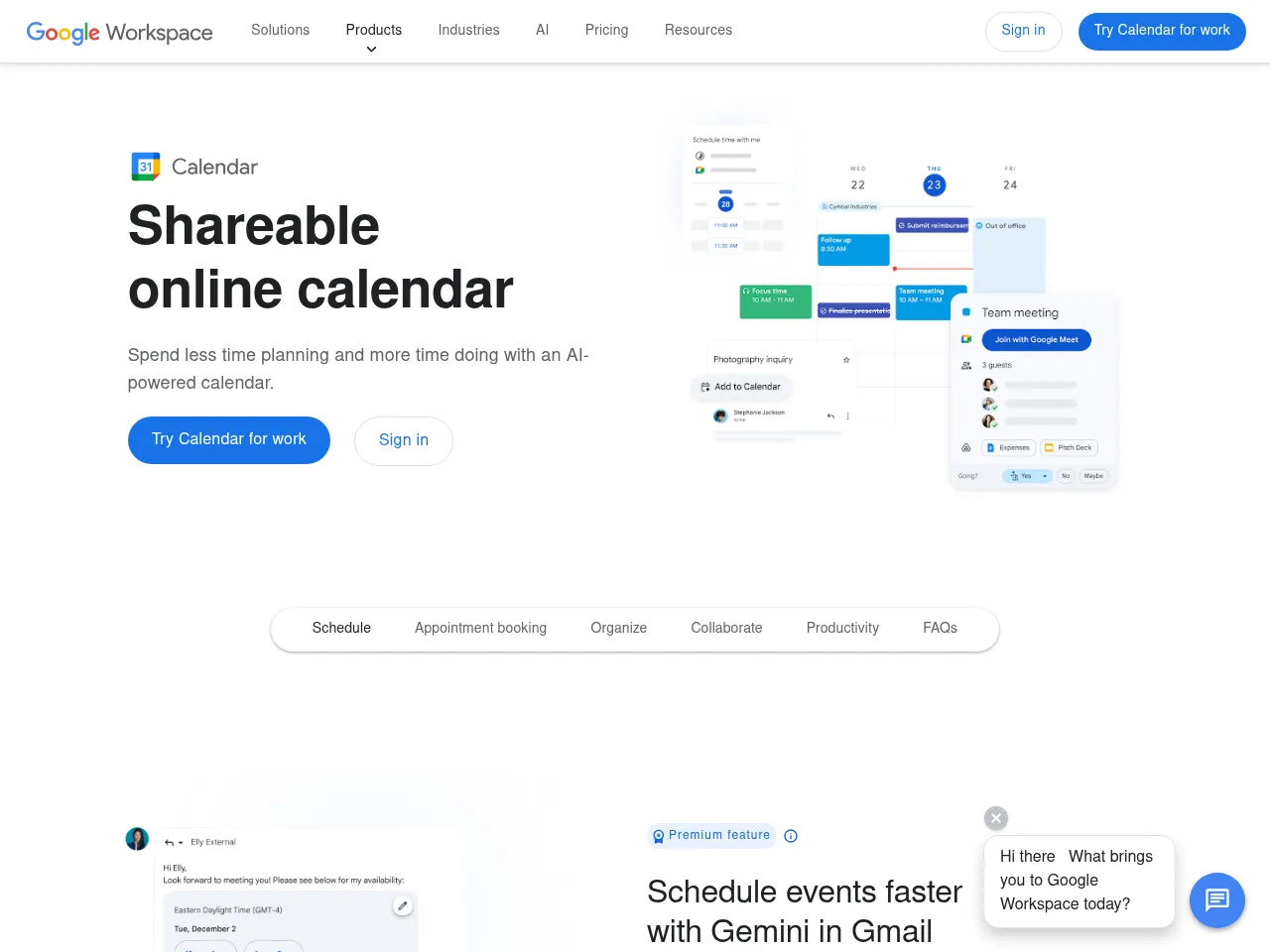
Google Calendar é um dos aplicativos de agendamento e gerenciamento de tempo mais utilizados do mundo, profundamente integrado ao ecossistema de ferramentas de produtividade do Google. Lançado em 2006, o Google Calendar atende centenas de milhões de usuários com uma interface limpa para gerenciar agendas pessoais e profissionais. O aplicativo oferece suporte a múltiplos calendários com codificação por cores, criação de eventos com informações detalhadas incluindo localização, descrições e links de reuniões por vídeo, e sugestões inteligentes de horários de reunião baseadas na disponibilidade dos participantes. O Google Calendar se integra com Gmail para criar automaticamente eventos a partir de emails como reservas de voos, reservas de restaurantes e estadas em hotéis. Os recursos incluem eventos recorrentes, lembretes, objetivos que encontram automaticamente tempo livre em seu agendamento e blocos de Tempo Focado. O aplicativo oferece visualizações de dia, semana, mês e agendamento, com acesso offline em dispositivos móveis. Calendários compartilhados permitem coordenação de equipe, enquanto o protocolo CalDAV garante compatibilidade com aplicativos de calendário de terceiros.

Calendar Apps

Google Calendar provides intuitive scheduling with smart event suggestions, Gmail integration, shared calendars, Focus Time blocks, and seamless sync across Google Workspace and third-party apps.

App Details

Platform iOS, Android, Web
Developer Google LLC
Pricing free
Downloads 5B+
iOS Rating 4.5/5.0
Android Rating 4.3/5.0
Free Plan Yes
API Available Yes
Offline Mode Yes
Headquarters Mountain View, CA, USA
Founded 2006
App Store iOS Download
Google Play Android Download
4.3
1 reviews
Claude Opus 4.6
AI Review
4.3/5

Google Calendar is the workhorse calendar app that most people rely on daily, and its strengths are in reliability and ecosystem integration rather than flashy features. Automatic event creation from Gmail -- extracting flight bookings, restaurant reservations, and appointment confirmations -- is a killer feature that saves real time. The clean interface across day, week, month, and schedule views is intuitive, and shared calendars make team coordination straightforward. Goals that automatically find free time in your schedule show thoughtful design. The API and CalDAV support ensure broad compatibility with third-party apps. With 5 billion downloads, the network effect alone makes it the default choice for scheduling. Where Google Calendar falls short compared to premium alternatives like Fantastical is in natural language input and visual polish -- event creation requires more taps than it should. Focus Time and scheduling suggestions are useful but feel underdeveloped. The free pricing and deep Google ecosystem integration make it the practical choice for most users, even if more elegant options exist.

Feb 22, 2026
Google Calendar Screenshot

Added: Feb 19, 2026

calendar.google.com