GitHub Mobile
About
Coding Apps
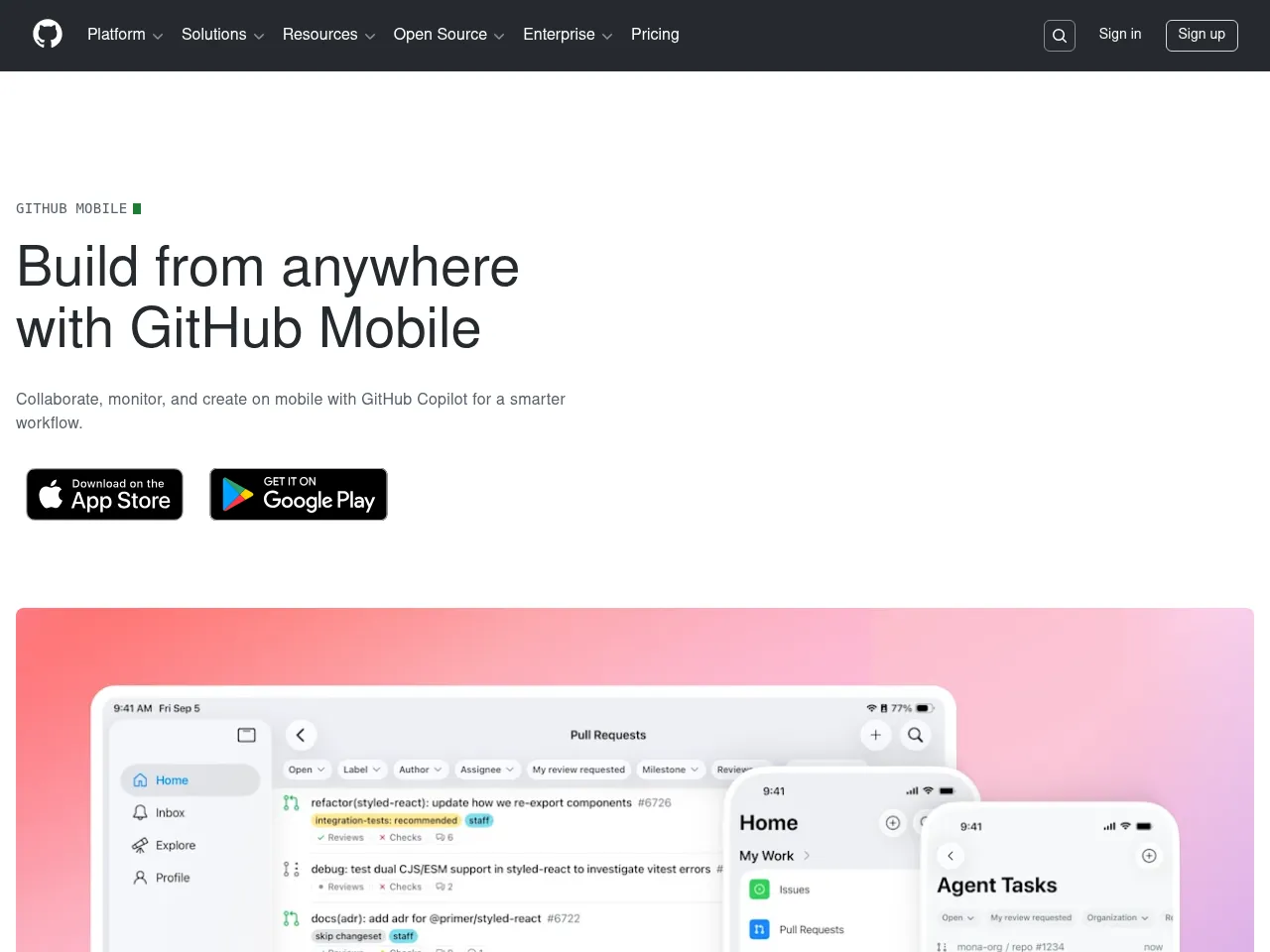
GitHub Mobile provides code review, pull request management, issue tracking, syntax highlighting, and Actions monitoring for developers on the go.
App Details
GitHub Mobile fills an important gap for developers who need to stay connected to their projects away from their desks. Triaging notifications, reviewing pull request diffs with syntax highlighting, managing issues, and monitoring GitHub Actions workflows all work well on mobile. The app is particularly valuable for open-source maintainers who need to respond quickly to community contributions. Markdown rendering is solid, and the customizable home feed keeps relevant repository activity visible. As a coding app, its utility is limited to code review rather than actual development -- you cannot meaningfully write or edit code on mobile, which is an inherent platform constraint rather than a fault. For project management, it covers issues, pull requests, and project boards competently but lacks the sprint planning, timeline, and resource management features of dedicated PM tools. The Android experience (4.3 rating) trails iOS slightly. For developers already embedded in the GitHub ecosystem, the mobile companion is essential but supplementary to the desktop experience.
 Powered by Rexiew