Notion AI
About
AI Meeting Assistants
Notion AI enhances meeting workflows by summarizing meeting notes, extracting action items and key decisions, and generating follow-up task lists from raw meeting documentation. Teams can maintain searchable meeting note databases and use AI Q&A to quickly find past discussion topics across their entire meeting archive.
AI Productivity Tools
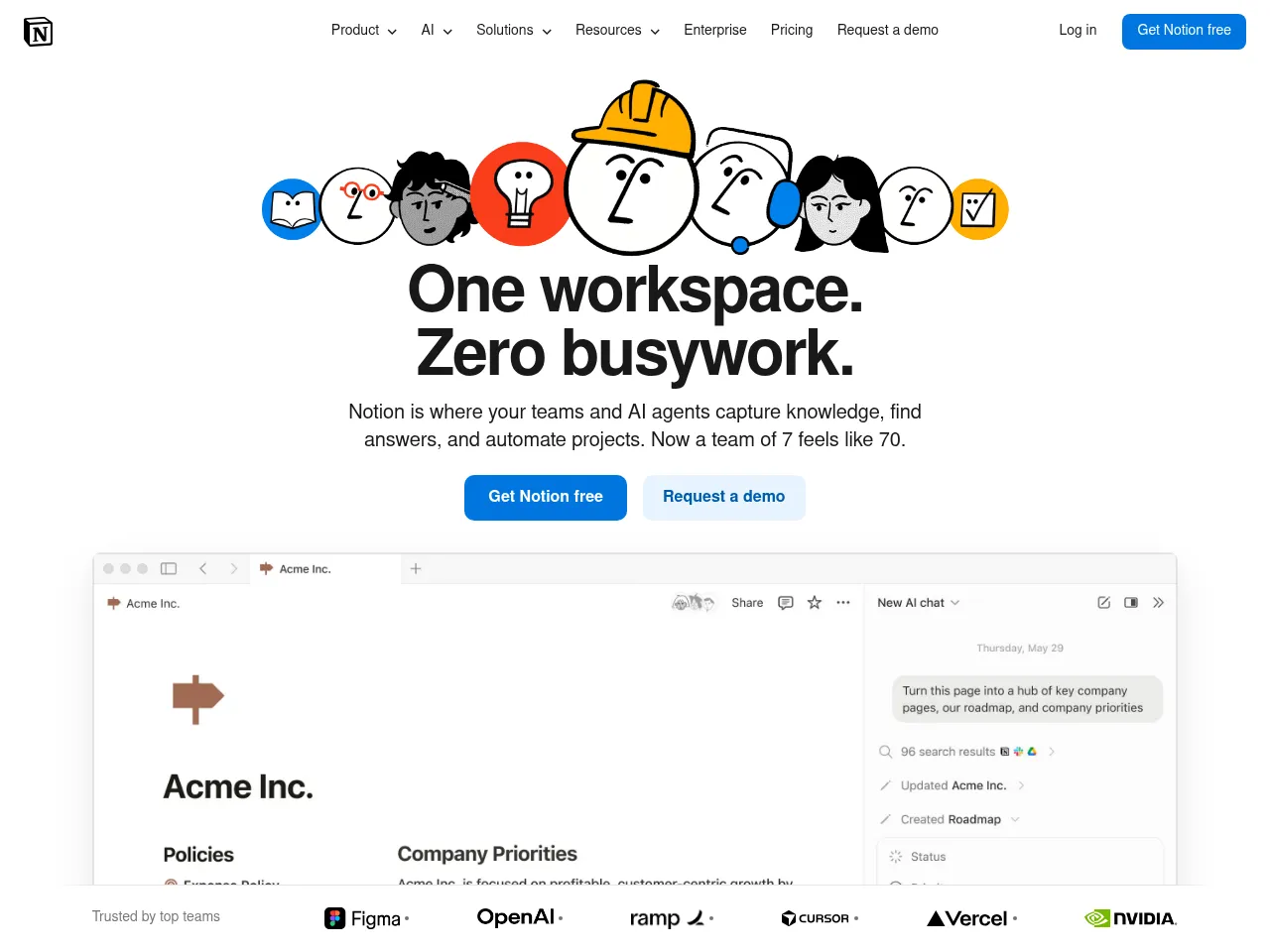
Notion AI transforms the Notion workspace into an AI-enhanced productivity hub. Users can automate document summarization, extract action items from meeting notes, generate project templates, and use natural language Q&A to find information across their entire workspace. The integration of AI directly into an existing productivity platform eliminates context-switching between tools.
AI Project Management
Notion combines project management features like databases, kanban boards, timelines, and calendars with AI capabilities that can generate project plans, summarize project status, extract tasks from documents, and answer questions about project data. Teams use it to manage product roadmaps, sprint planning, and cross-functional collaboration.
AI Writing Tools
Notion AI provides AI writing capabilities embedded within its document editor, enabling users to draft blog posts, reports, emails, and creative content directly in their workspace. It can improve existing text through grammar correction, tone adjustment, translation, and content expansion or simplification, all within the familiar Notion block-based editing environment.
Note Taking Apps
Notion is a versatile note-taking app with a block-based editor that supports rich text, databases, embeds, and nested pages for organizing information in a highly customizable workspace.
Notion AI seamlessly integrates generative AI into one of the most popular workspace platforms available. Its strength lies in the native embedding within Notion's existing ecosystem " you can summarize pages, generate drafts, extract action items, and brainstorm ideas without leaving your workspace. The writing capabilities are impressive, offering tone adjustments, translations, and content generation that feel contextually aware of your existing documents.
For project management, AI-powered autofill properties, database summaries, and Q&A across your workspace genuinely reduce manual overhead. Meeting notes can be summarized and turned into action items, though it lacks dedicated real-time transcription features that specialized meeting assistants offer.
The freemium model lets you test basic AI features, but the $10/user/month add-on can add up for larger teams. API access opens solid integration possibilities. The main limitation is that Notion AI's value is tightly coupled to the Notion ecosystem " if you're not already a Notion user, the AI alone isn't a compelling reason to switch. For existing users, however, it's a powerful and natural enhancement.
 Powered by Rexiew